An analyst’s downloads folder can hold several versions of export.csv: all regions, one region, the previous month and a corrected extract. The file’s modification time tells you when it was saved locally, not necessarily which reporting period its rows describe.
Name a copied set of fictional monthly order and returns extracts using the dataset, reporting period and filter scope recorded when they were exported.
TreatFiles creates the file inventory and applies prepared names. It does not read CSV values to infer periods, validate report totals or identify filter settings.
What the names need to say
Dataset distinguishes orders from returns; Period describes the records rather than the download day; Scope explains the filter. If you keep corrected snapshots, add a revision or extraction timestamp with a documented meaning instead of silently overwriting an older file.
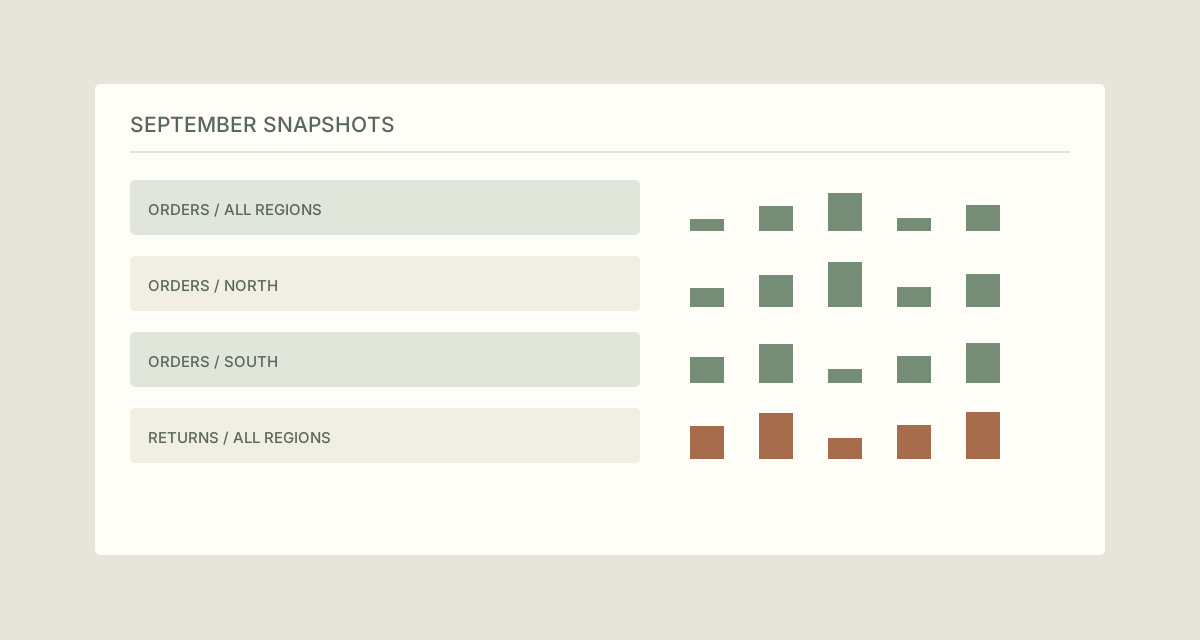
Dataset_Period_Scope| Original filename | Proposed filename |
|---|---|
export.csv | Orders_2026-09_AllRegions.csv |
export (1).csv | Orders_2026-09_North.csv |
data-final.csv | Orders_2026-09_South.csv |
download.csv | Returns_2026-09_AllRegions.csv |
The examples show complete filenames. In TreatFiles’ New File/Folder Name column, normally enter the base name only; the extension is stored separately.
Separate the reporting snapshots
Recover the meaning of each extract
Match the files to their query or reporting notes. Confirm the period and filters before renaming; do not infer them from the order downloads appeared in a browser.
Export the filenames from TreatFiles
In Rename mode, list a copied export folder and create an XLSX or CSV naming file. Keep the application’s identifying columns unchanged.
Prepare descriptive base names
Enter the dataset, period and scope in New File/Folder Name. Match each row to the checked extract notes so Orders and Returns remain distinct.
Handle corrections deliberately
If two files represent the same period and scope, investigate the difference. Use an agreed revision label for a corrected extract, retaining the earlier snapshot where your process requires it.
Rename and check downstream references
Import the edited file list, review and apply the rename. Update any reports or scripts intentionally using the delivery copy’s names, then check that they still load the intended snapshot.
If you need the application controls alongside the example, keep the TreatFiles renaming guide or FAQ and user guide open as a reference.
Related tasks: research run exports and project handovers.
The exceptions matter
A month in the filename needs a definition
A reporting month, order month and extraction month can differ. Put that definition in the accompanying notes.
Renaming is not version control
Keep the query or filter notes and any change history needed to understand an extract.
Paths can be dependencies
A notebook or scheduled report may expect the old filename. Plan reference updates rather than renaming live inputs without checking.
A sample to work from
The Dataset exports tab in this workbook contains the example above. Adapt the idea to your own files, or share it with the people who agree your naming convention.
Download the sample workbook (.xlsx) ↓This is a planning worksheet, not a TreatFiles import file. Generate a rename-ready export in the app, then put your chosen base names into its New File/Folder Name column.
Questions you might have
Can TreatFiles detect the month from CSV contents?
This example uses period information checked from your export or query notes. It does not assume content analysis.
Does renaming change the dataset?
Changing the filename does not clean or transform CSV rows. Validate the data separately.
Should every snapshot use a date?
Use the period or extraction date that answers the reader’s question. Where both matter, give each an explicit role in your convention.
About the tool used here. TreatFiles lists files, exports them to a spreadsheet, and applies the names you prepare. Explore TreatFiles or find it on Microsoft Store ↗.