For smaller tasks
Free Basic
Try the file-list and spreadsheet rename workflow.
- Up to 50 items per list
- 14 runs per 24 hours
- 5 file saves per 24 hours
- Excel export and manual rename workflow
Usage limits reset automatically each day.

Free version & add-ons
Start with TreatFiles Free Basic to list files, export to Excel, and prepare batch renames. Compare the limits below, then explore add-ons when you need more capacity.
For smaller tasks
Try the file-list and spreadsheet rename workflow.
Usage limits reset automatically each day.
For larger workloads
Need to work beyond the Free Basic limits?
Purchases are completed through Microsoft Store from inside TreatFiles.
Choose lifetime, annual, monthly, or 7-day access in the app. See the User Guide for the complete purchase and activation flow.
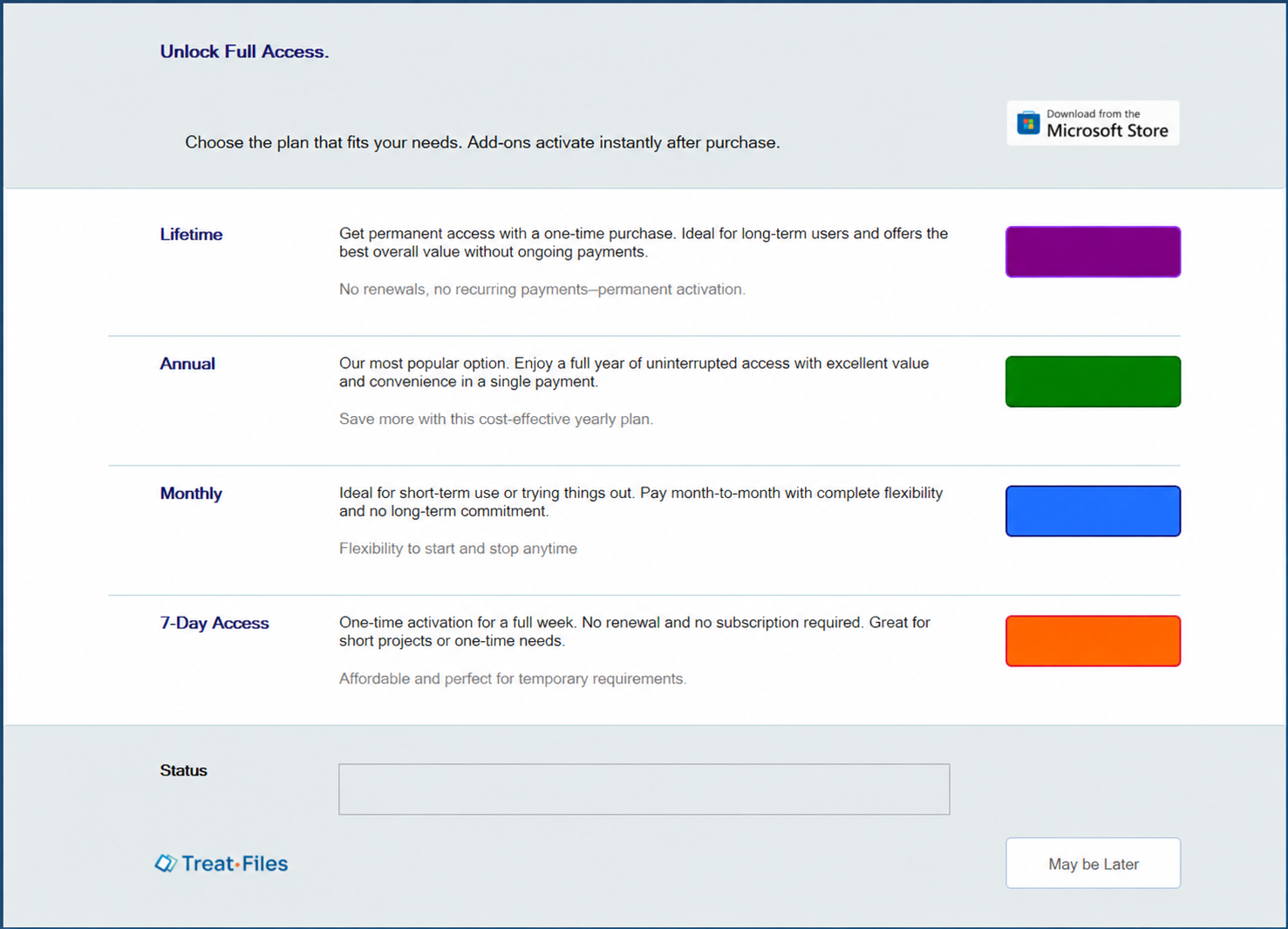
Your purchase is linked to the Microsoft account used at checkout. After purchase, the feature activates in the app.
Initial activation and periodic license validation require an internet connection.