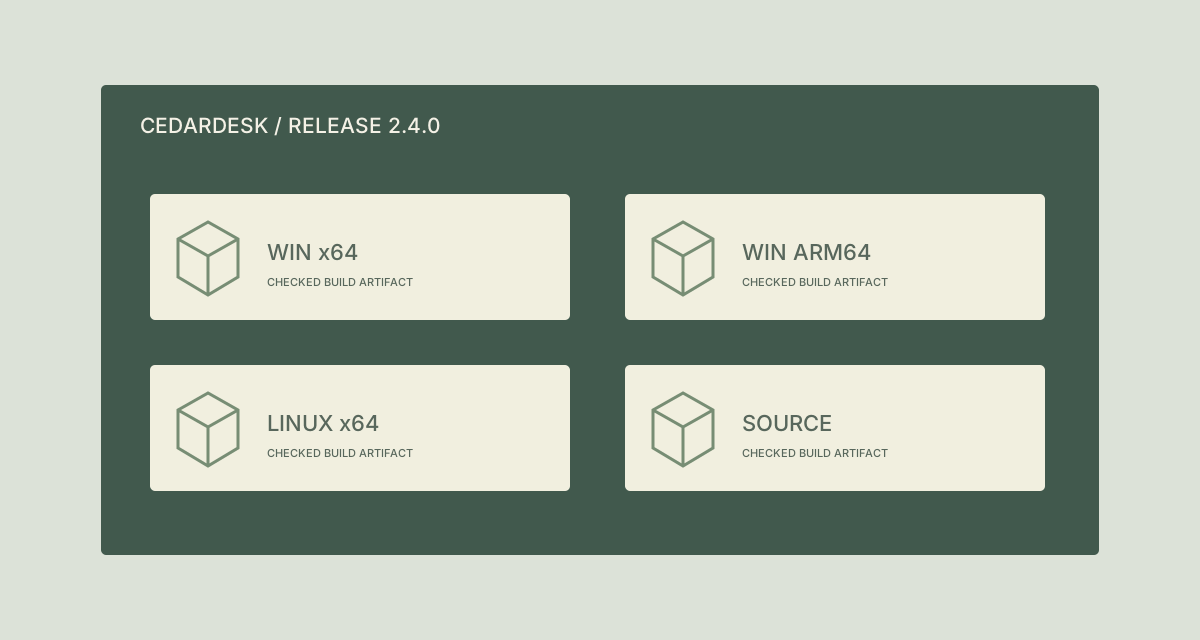
Inside the build dashboard, a job name and platform label explain an artifact. Once four ZIPs have been downloaded into a handover folder, build.zip and artifact.zip no longer carry that context. A colleague must go back to the dashboard to identify them.
Apply clear names to a copied, checked set of fictional CedarDesk release ZIPs. Keep build outputs and published download locations unchanged until a release process explicitly updates them.
TreatFiles renames the copied files. It does not inspect package architecture, verify a build version, sign software or update a release manifest.
What the names need to say
The application and version identify the release; the platform label distinguishes packages intended for different environments. Source is a different deliverable and should be named explicitly rather than implying it is another executable build.
Application_Version_Platform| Original filename | Proposed filename |
|---|---|
build.zip | CedarDesk_2.4.0_Win-x64.zip |
build (1).zip | CedarDesk_2.4.0_Win-arm64.zip |
artifact.zip | CedarDesk_2.4.0_Linux-x64.zip |
package-final.zip | CedarDesk_2.4.0_Source.zip |
The examples show complete filenames. In TreatFiles’ New File/Folder Name column, normally enter the base name only; the extension is stored separately.
Label the copied release set
Check artifacts against the release record
Match each ZIP to its originating job, application version and platform. Work on a separate handover copy, outside the build pipeline’s managed output folder.
Create a rename export
List the copied ZIPs in TreatFiles with Rename mode selected and export the file list to XLSX or CSV.
Populate the intended filenames
Enter each checked base name in New File/Folder Name. Include the platform and architecture in a form your recipient recognizes; do not guess from compressed file size.
Review references and companion files
Check whether checksums, manifests, scripts or release notes mention the old filenames. Arrange consistent updates in the release process before publishing the renamed copies.
Rename and validate the handover
Bring the edited export back into TreatFiles, review the mapping and apply it. Compare the resulting filenames with the release record and check the handover’s references.
If you need the application controls alongside the example, keep the TreatFiles renaming guide or FAQ and user guide open as a reference.
Related tasks: dataset exports and project handovers.
The exceptions matter
A rename does not change a package’s platform
Win-arm64 in a name must describe the checked artifact; it does not convert an x64 build.
Do not rename a published asset in isolation
Download URLs and automation may rely on the exact name. This example concerns a local handover copy.
Companion records need consistency
A checksum file or manifest can include filenames. Renaming the ZIP does not update those records automatically.
A sample to work from
The Release artifacts tab in this workbook contains the example above. Adapt the idea to your own files, or share it with the people who agree your naming convention.
Download the sample workbook (.xlsx) ↓This is a planning worksheet, not a TreatFiles import file. Generate a rename-ready export in the app, then put your chosen base names into its New File/Folder Name column.
Questions you might have
Does TreatFiles read versions from ZIP contents?
No such behavior is assumed here. The version comes from the checked build or release record.
Can I use this instead of CI artifact naming?
Prefer correct names at build time when you control the pipeline. This workflow helps with an existing copied delivery set.
Does renaming re-sign the software?
No. Signing and package validation belong in the software release process.
About the tool used here. TreatFiles lists files, exports them to a spreadsheet, and applies the names you prepare. Explore TreatFiles or find it on Microsoft Store ↗.